Inconsistent numbering creates confusion across the case team
Exhibit numbering errors are rarely dramatic, but they cause cumulative damage. Duplicate numbers, skipped sequences, and late renumbering requests can break cross-references in outlines, production logs, and attorney prep notes. Litigation support staff then spend valuable time reconciling documents instead of advancing the matter.
The problem intensifies when multiple contributors touch the same set. Even with checklists, manual updates in separate tools lead to version drift. By the time counsel is preparing for a deposition or hearing, teams may still be debating which exhibit index is current, creating avoidable stress and operational noise.
These errors also affect confidence during witness preparation. When attorneys are unsure whether an exhibit reference is still accurate, they must re-verify materials instead of refining examination plans. Reliable numbering is therefore not a convenience feature; it is a foundational control for efficient litigation execution.
ESPro applies consistent numbering rules at scale
ESPro centralizes numbering decisions so teams work from one source of truth. You can define conventions once and apply them across batches, which keeps exhibit IDs aligned through revisions. This consistency makes attorney collaboration easier and reduces back-and-forth when deadlines are tight.
The platform is tailored to exhibit prep, so numbering works alongside labeling, stamping, and export packaging rather than in isolation. Teams can process updates quickly, review output confidently, and keep every deliverable synchronized from prep through presentation.
With standardized automation, teams can respond to late insertions and removals without destabilizing the entire sequence. ESPro provides a repeatable method for updating identifiers while preserving order across packets, logs, and references. This creates a stronger operational baseline for both daily work and high-pressure pre-hearing windows.
Why numbering consistency matters in litigation
Exhibit numbers are operational anchors across litigation tasks. They connect documents to witness outlines, hearing prep notes, and courtroom references. When numbering shifts unexpectedly, every downstream reference can require updates, increasing risk of confusion at exactly the wrong moment.
A disciplined numbering workflow keeps the team synchronized. Instead of solving sequence issues at the end, teams maintain consistency throughout preparation. That approach supports clearer communication, especially when attorneys, paralegals, and support staff are moving quickly across multiple deadlines.
Consistency also improves onboarding for new team members joining active matters. When numbering standards are explicit and applied in software, contributors can become productive faster without reverse-engineering local naming habits. This supports continuity across long-running cases with changing staffing needs.
Common manual numbering failure points
Manual numbering often fails during late-stage edits. A new exhibit inserted in the middle of a sequence can force renumbering across many files, and quick fixes may leave hidden inconsistencies. Teams then perform tedious visual checks that still miss occasional mismatches.
Another issue is fragmented ownership. Different people may apply slightly different conventions, such as prefixes or spacing, which creates friction when compiling final packages. Standardizing rules in software removes this ambiguity and preserves formatting discipline across contributors.
File-version confusion is another frequent pain point. If two staff members renumber different copies of the same PDF set, the team can lose track of which version controls. Centralized workflows reduce this risk by keeping renumbering actions in one managed process.
Batch processing for modern legal teams
Batch numbering is not just a speed feature. It enables predictable outcomes for large collections where manual edits become impractical. Teams can apply numbering logic to many files at once and verify results in structured passes, rather than checking each PDF from scratch.
This approach improves productivity because it separates system work from legal review. The software handles repeatable numbering tasks, and staff focus on case relevance, document quality, and attorney priorities. Over time, this division of labor reduces burnout and increases throughput.
Batch operations also help teams maintain consistent turnaround commitments for internal stakeholders. Instead of estimating timelines based on manual editing capacity, managers can plan around standardized process steps. That planning improves service reliability across overlapping matters.
Numbering governance across teams and matters
Sustainable numbering workflows require clear governance, not just software settings. Teams should define ownership for conventions, revision approvals, and exception handling before workload spikes. Governance ensures that numbering decisions remain consistent even when multiple users, practice groups, or offices collaborate on the same matter.
Formal governance also supports cleaner cross-reference maintenance. When sequence updates follow defined approval paths, related logs and attorney materials can be synchronized more reliably. This reduces cascading corrections and keeps litigation teams aligned on the latest authoritative exhibit set.
For organizations managing many active cases, governance delivers compounding value. Shared conventions make training easier, quality review faster, and turnaround estimates more reliable. The result is a more resilient numbering operation that scales without relying on individual memory or emergency cleanups.
Court submission readiness and review controls
Consistent numbering helps produce cleaner court packages, but final requirements still vary by jurisdiction and procedural context. Teams should include a formal legal review step before filing or presenting exhibits to confirm that numbering and naming conventions match matter-specific expectations.
NOTE: Validate exhibit numbering format, sequencing approach, and package completeness against applicable court rules and attorney direction before submission. ESPro supports the preparation workflow, while legal counsel determines final compliance decisions.
Establishing this review as a required gate reduces last-minute surprises. Teams can move quickly through preparation while reserving final sign-off for counsel who can assess venue-specific implications. The result is better coordination between operations speed and legal accountability.
Benefits
Why teams choose ESPro
Consistent exhibit numbering across all document sets
Fewer manual sequence and duplication errors
Batch operations that speed up high-volume work
Cleaner coordination between litigation support and attorneys
Faster revisions when exhibits are added or replaced
Improved confidence in final deposition and trial packets
Reduced rework before key deadlines
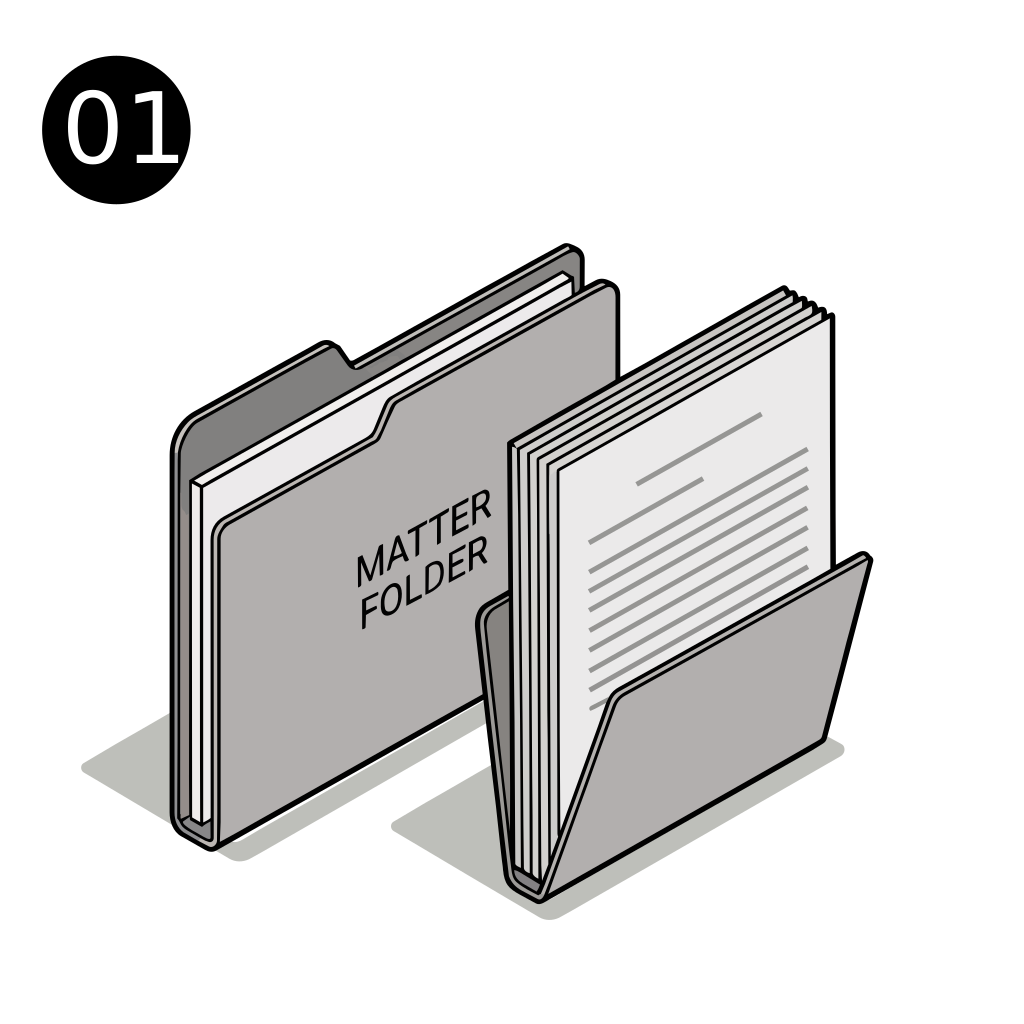
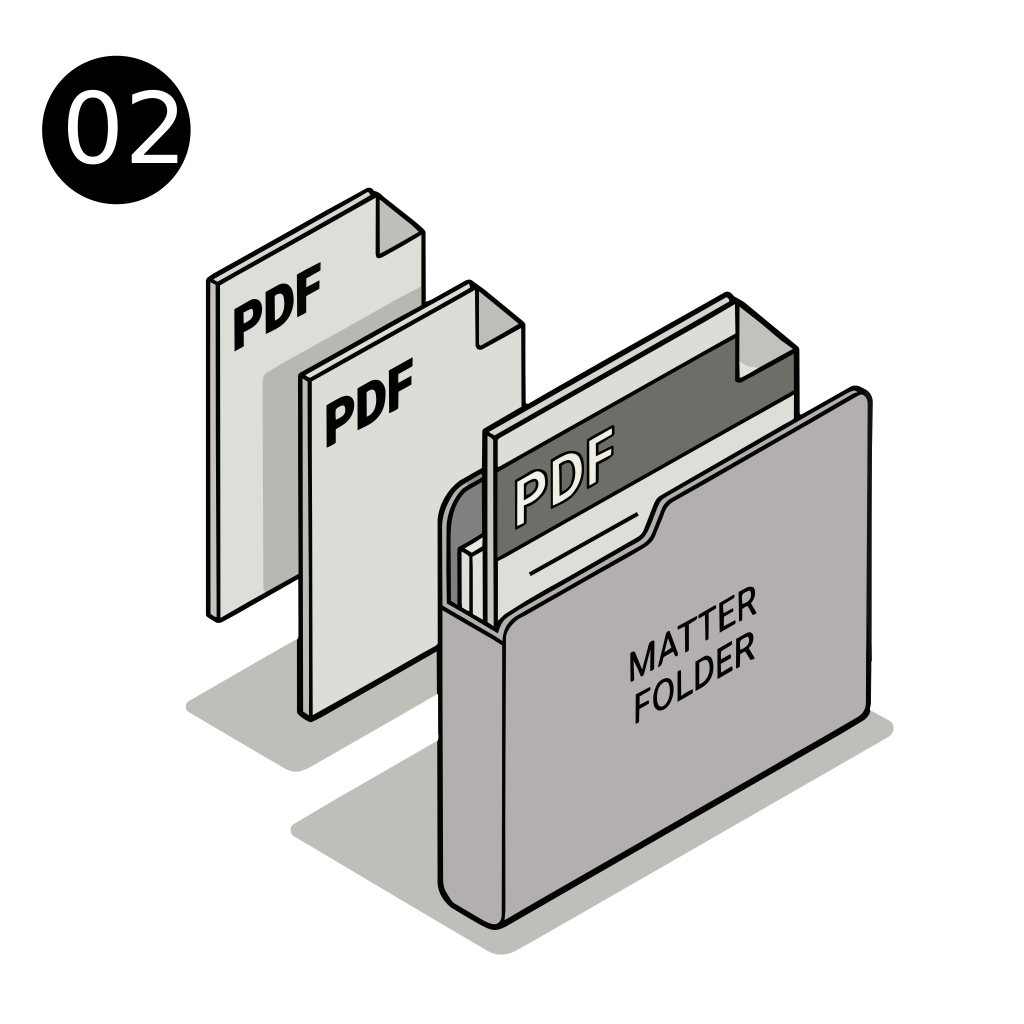
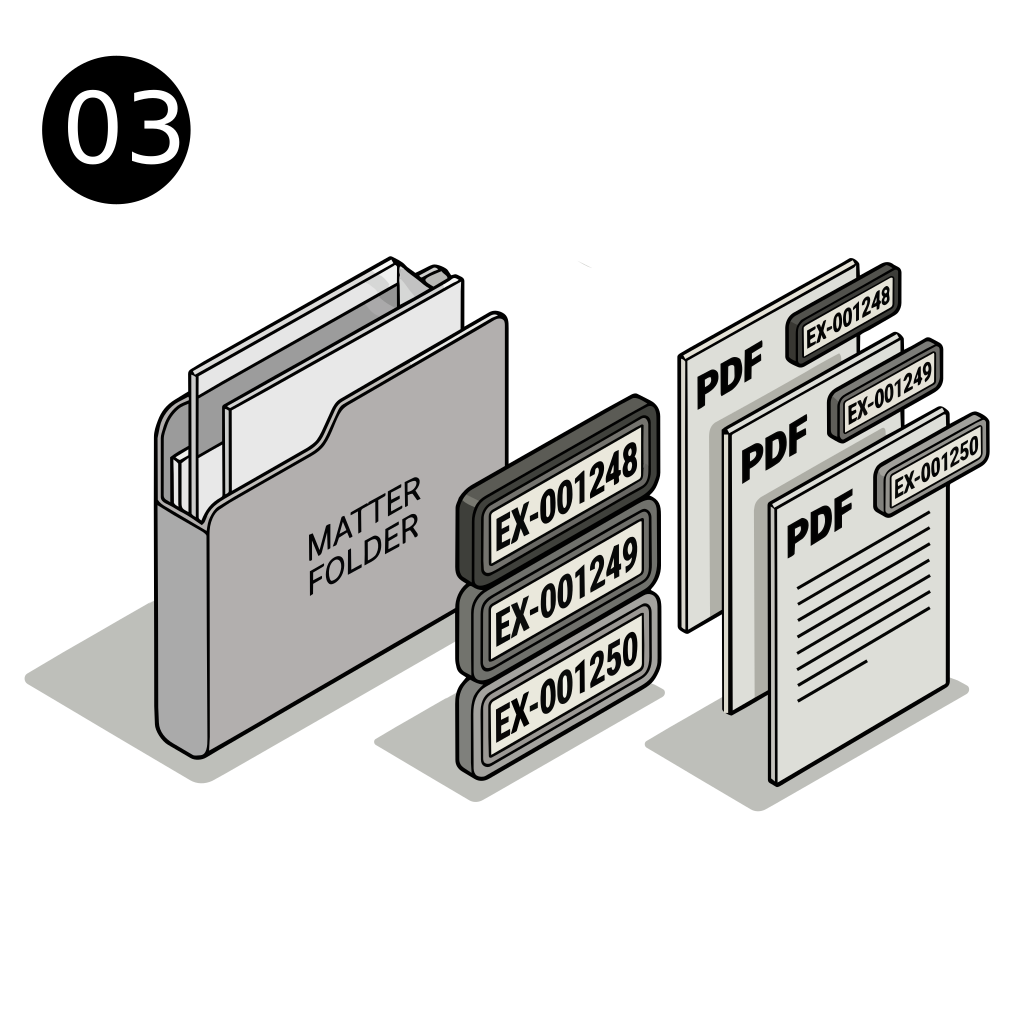
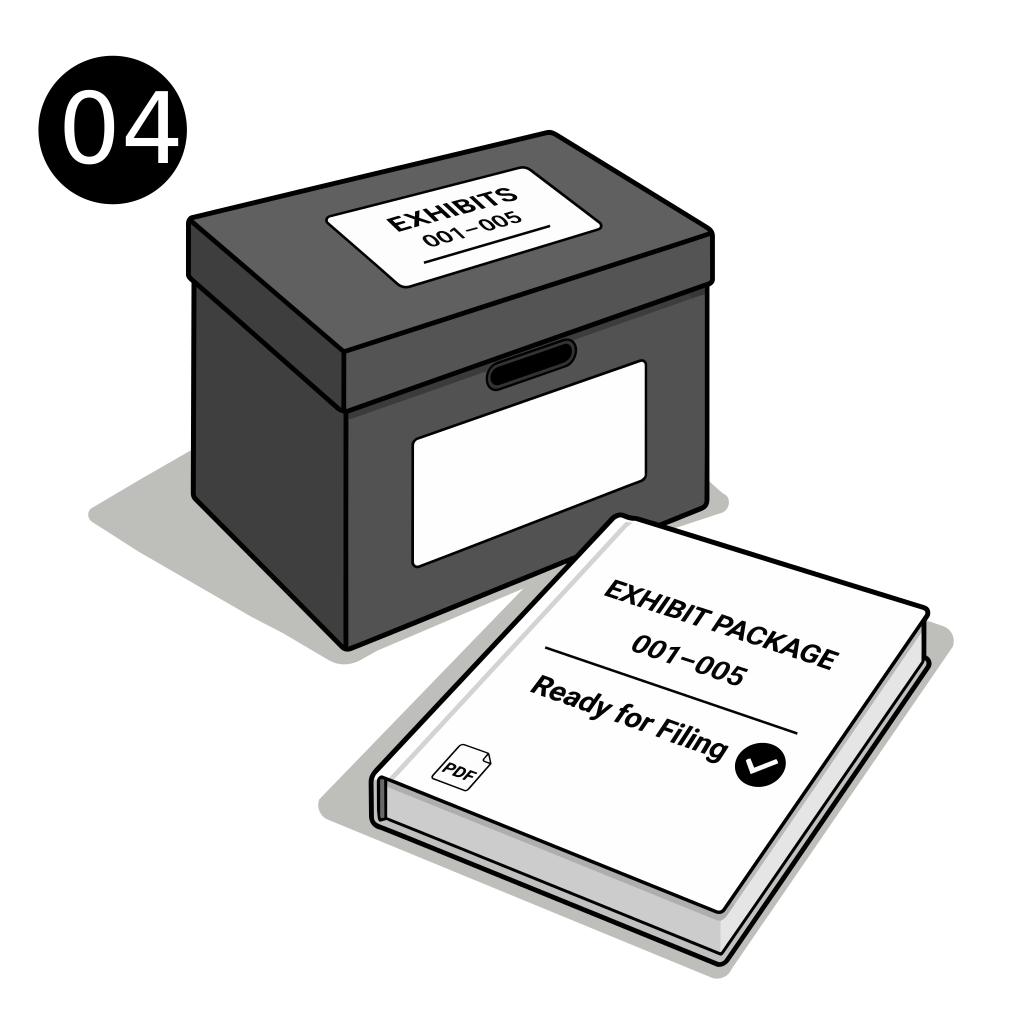
01 · Set numbering rules · 45 sec02 · Upload exhibit set · 2 min03 · Apply batch numbering · 20 sec each04 · Review and export · 15 sec
Questions
Frequently asked questions
Can we handle prefix-based numbering conventions?
Yes. ESPro supports structured numbering approaches so teams can keep exhibit labels aligned with internal case conventions.
What happens when we insert new exhibits late?
You can rerun numbering logic in a controlled workflow, helping maintain sequence integrity without manually reformatting every document.
Does numbering integrate with stamping and labels?
Yes. ESPro is built for exhibit preparation workflows, so numbering works alongside labeling and stamping in one process.
Is this useful for smaller matters too?
It is. Even small sets benefit from consistent numbering and reduced manual effort, especially when schedules are tight.
Can teams review everything before export?
Yes. ESPro supports review checkpoints so final packets can be validated before they are distributed or filed.
Try ESPro in the research program
Join litigation teams testing automated exhibit stamping, numbering, and package export. 7-day sandbox access — help shape the product while improving your workflow.